Outcomes, not vanity metrics
Matchback attribution links ad exposure to website activity, leads, sales, revenue, and ROAS.
Matchback attribution links ad exposure to website activity, leads, sales, revenue, and ROAS.
Connect the systems where activity, sales, and revenue are recorded, so campaign reporting is tied to outcomes.
See which markets, audiences, channels, campaigns, and videos are associated with stronger results.
Not just impressions. Not just clicks. Not just completion rates. Business outcomes.
Most ad platforms show impressions, clicks, and completion rates. RevTV goes further, connecting ad exposure to real business outcomes, so advertisers can see which markets, audiences, channels, and campaigns are driving results.
How it works
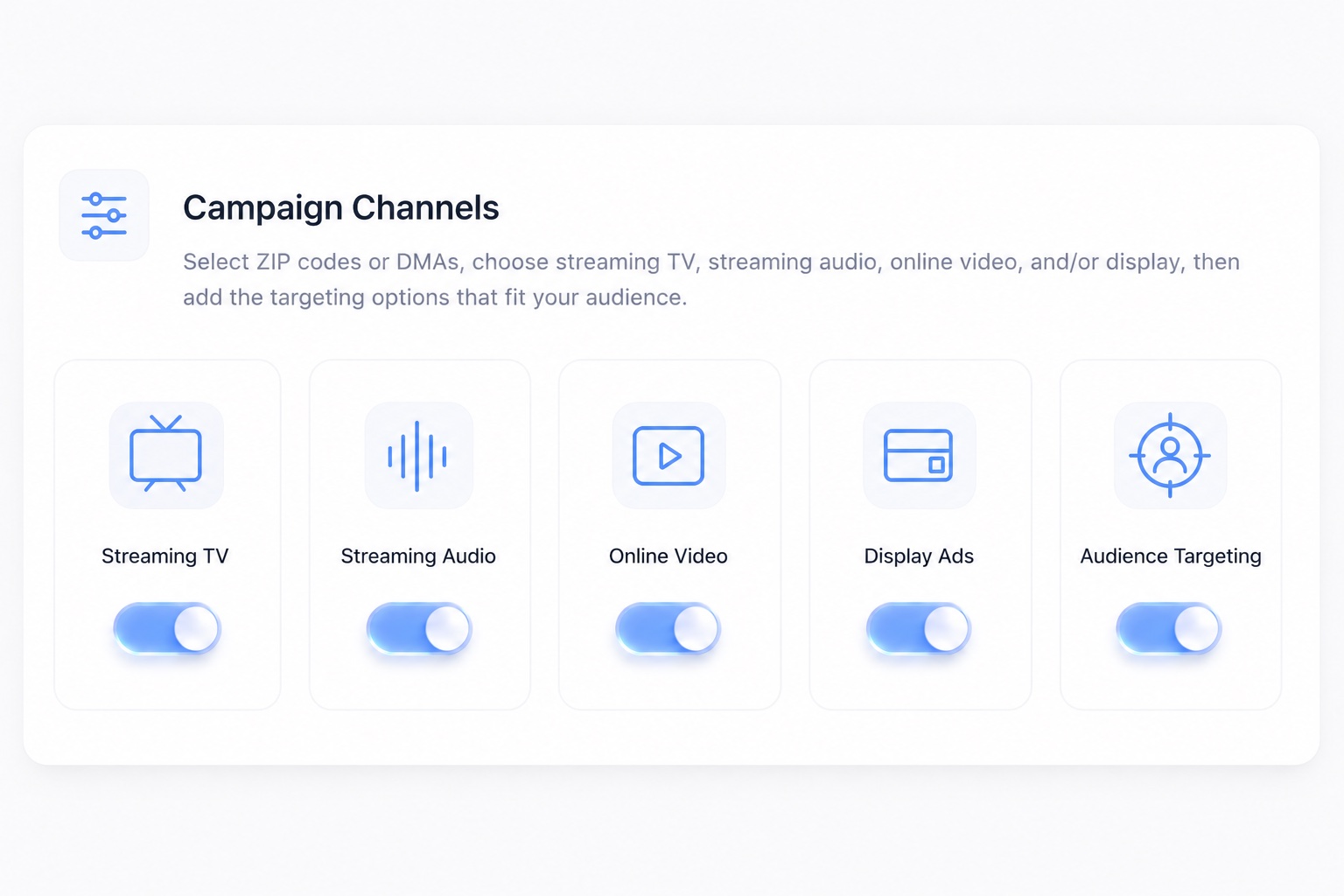
Build Your Campaign
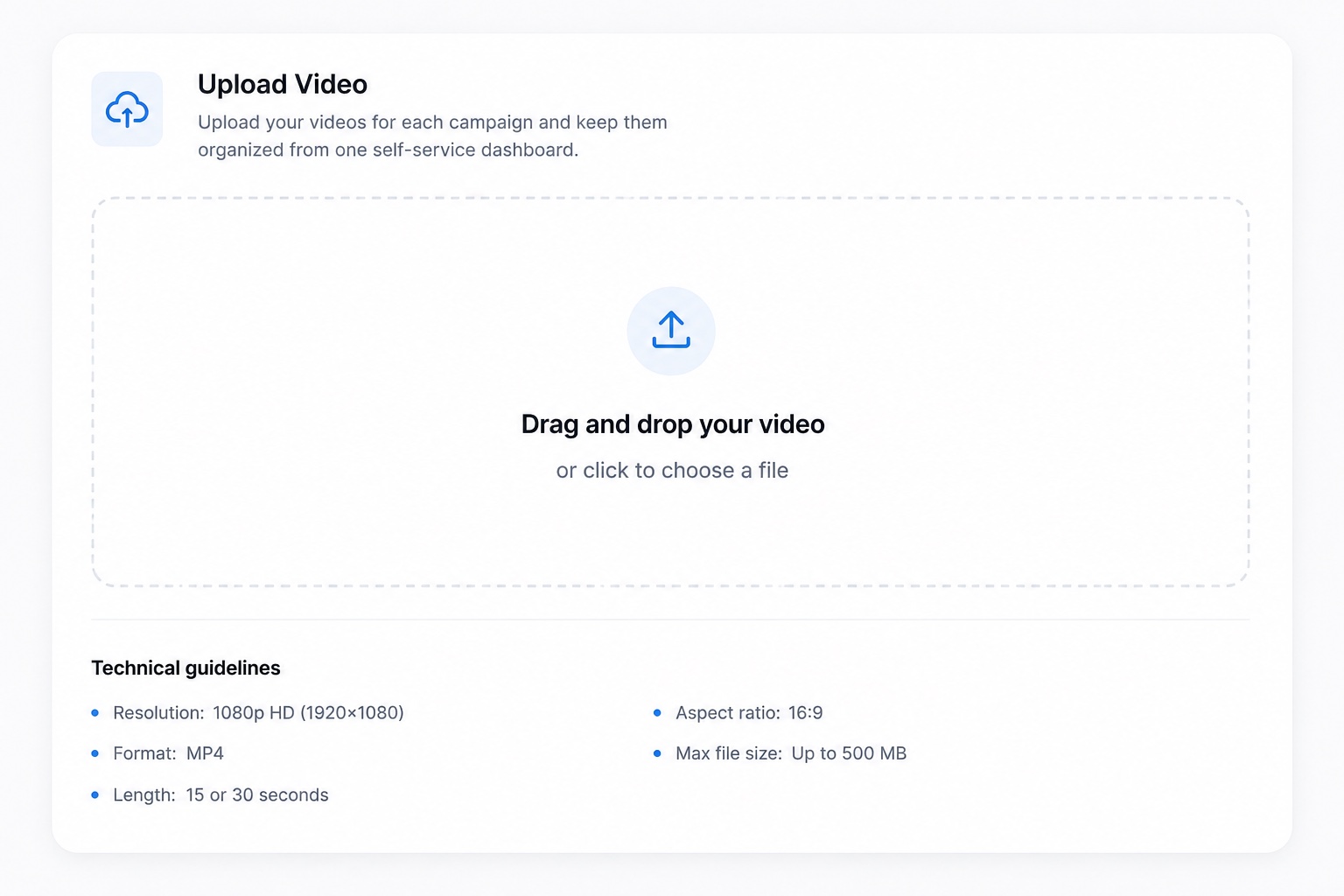
Upload Your Videos
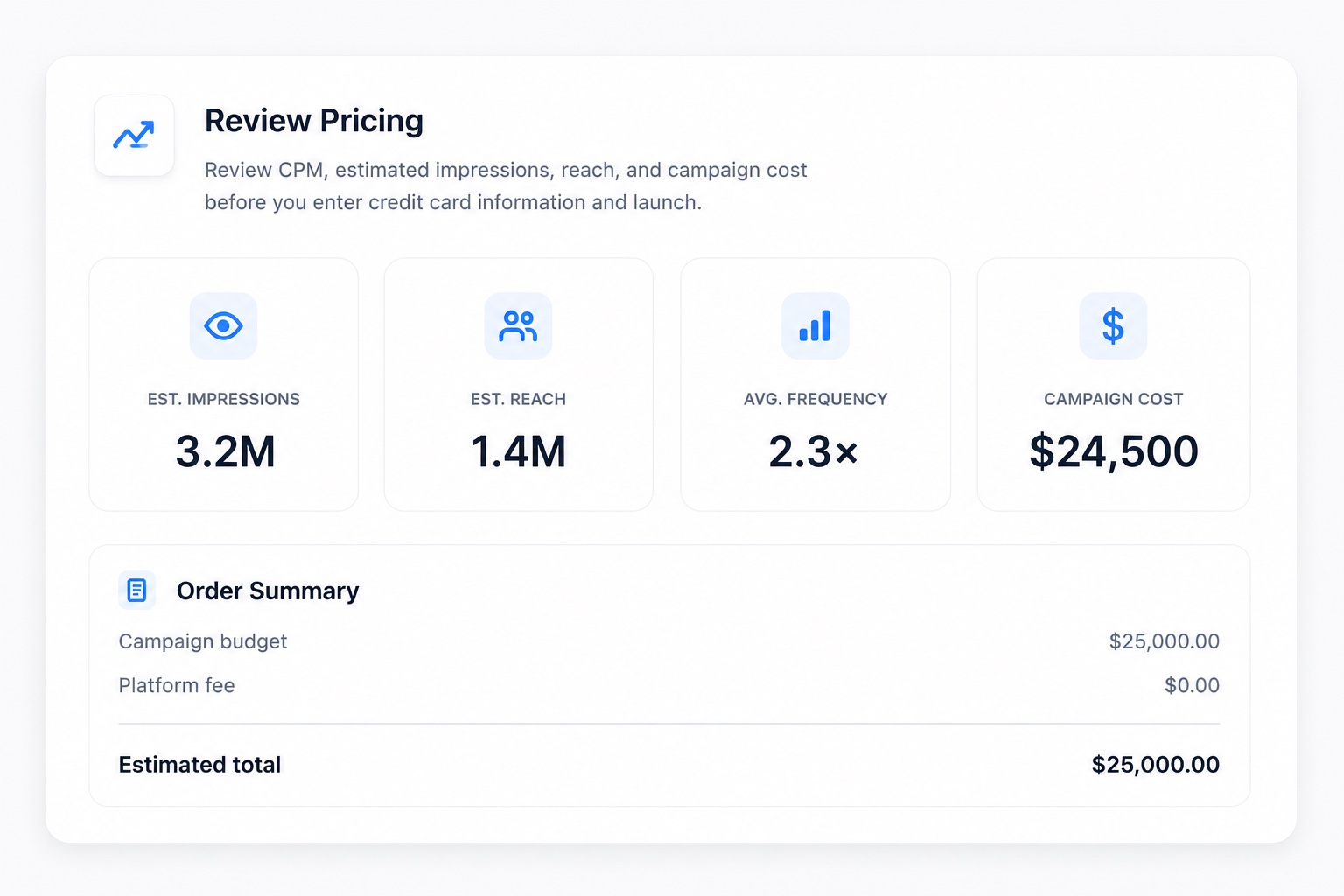
Review Pricing
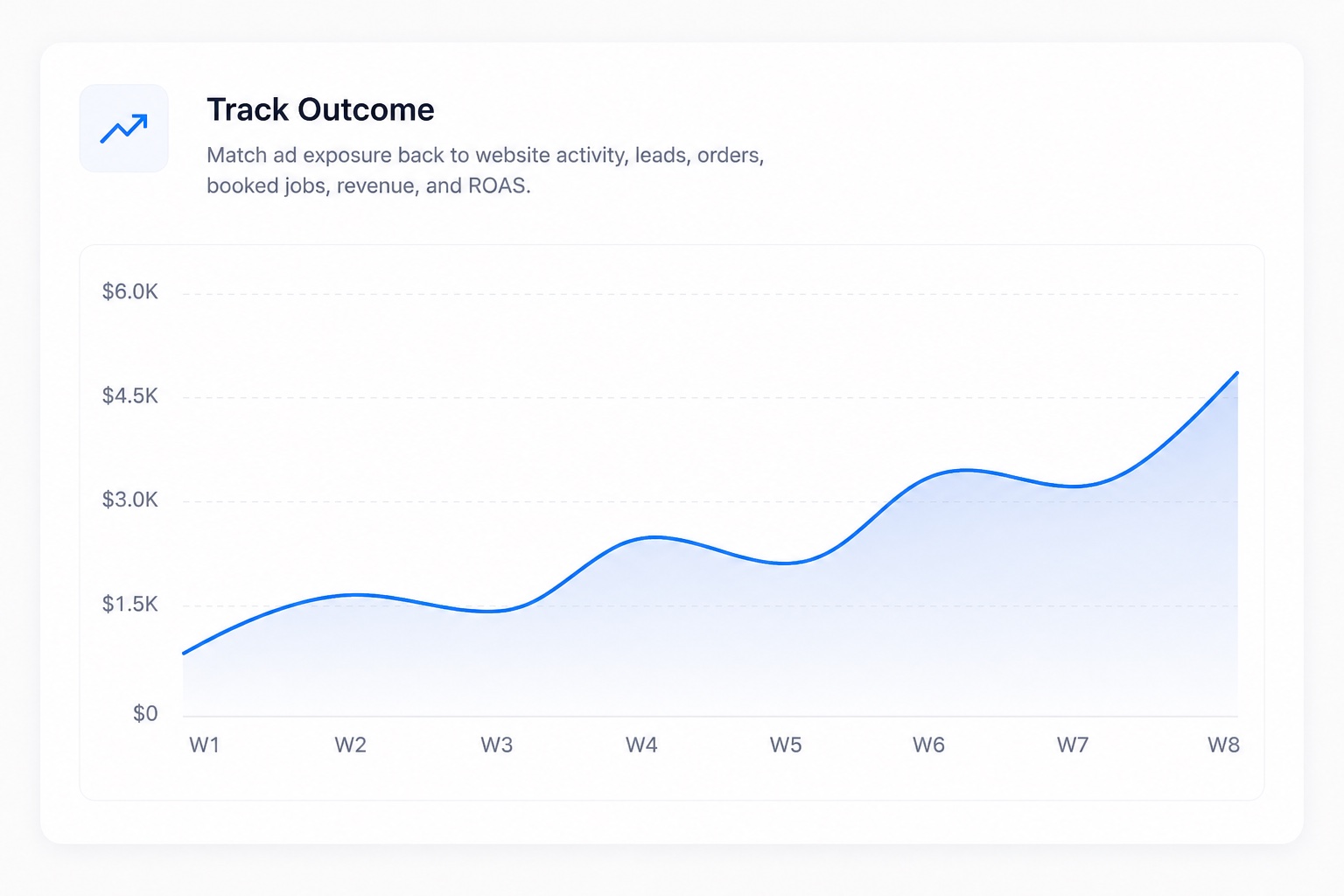
Track Outcomes
Ask a CTV advertising platform what your campaign did and the answer is usually a list of media metrics:
Those four numbers describe the CTV ad. They say nothing about the sale. A 97% video completion rate does not tell a plumbing company whether the phone rang. It does not tell a dealership whether anyone bought a truck. Connected TV advertising should answer both questions.
Most ad reporting stops at the impression. The impression is not where the money is.
Matchback attribution links ad exposure to website visits, leads, sales, revenue, and ROAS. RevTV takes the households that saw your connected TV ads, compares them against the CRM records in your own system, and reports where the two overlap.
That overlap becomes matched revenue: money you can point at. Matchback is deterministic, so it reads actual records rather than modeled incrementality. Not a panel, not a lift study. Real orders, matched to real exposure, sitting beside the media costs that came first. Business outcomes, in other words, rather than campaign performance in the abstract.
Your CRM revenue data already exists. It sits in a CRM, a POS, a scheduling tool, or a case management system, and it almost never talks to your advertising budgets.
RevTV connects those CRM and POS systems directly. A home services company links ServiceTitan. A restaurant group links Toast. A law firm links Clio. Where no native integration exists, RevTV accepts a secure file transfer instead, so the data still reaches the same attribution report.
Launch your first streaming TV campaign with RevTV and put your budget to work. Reach the right audiences, measure every response, and connect ad exposure to real revenue.
Connected TV advertising identifies household-level exposure, but RevTV takes the measurement further. We match those exposures against CRM, POS, and other customer records to connect streaming TV ads with leads, sales, revenue, and ROAS.
Every industry counts revenue differently, so the matchback report uses your words rather than media words.
A call log tells you the phone rang, nothing more. Matchback attribution tells you which of those calls became money, and what the cost per action was to get there.
ServiceTitan records the booked job. Toast records the check. Clio records the signed case. A DMS records the sold unit. Each system already holds the outcome your CTV ads are supposed to produce, so RevTV reads from it directly instead of asking for a spreadsheet export.
ZIP-to-ZIP attribution connects CTV exposure and customer outcomes at the ZIP code level. RevTV can show where ads reached households, where customers converted, and where revenue followed, helping you shift budget toward the ZIP codes producing the strongest results.
See ad spend, matched revenue, ROAS, ROI, cost per lead, and average order value by campaign, creative, channel, audience, and market. Separate new from returning customers to understand whether campaigns are driving acquisition, retention, or both.
Four channels, one CTV campaign, one report. RevTV buys across all of them with the same geography, the same audience targeting, and the same attribution running underneath:
This is multi-channel programmatic advertising across CTV campaigns, without four dashboards to reconcile. Spend and matched revenue arrive in a single view, so you can see which channel carried the CTV campaign and which streaming media campaigns to repeat.
Your connected TV ads run inside episodes, movies, live sports, and news on ad-supported streaming services. CTV formats include pre-roll, mid-roll, and post-roll video, plus companion placements. RevTV delivers full-length, non-skippable spots within premium, brand-safe content, putting your commercial on the biggest screen in the home without relying on muted autoplay or made-for-ads inventory that compromises quality at home today.
Streaming audio advertising reaches audiences during commutes, workouts, and daily activities. Online video extends your creative to phones, tablets, and laptops, while display keeps your brand visible between sessions. Cross-device retargeting can reconnect with households after a CTV exposure. Every channel reports through the same model, keeping audience behavior and the journey connected through conversion, from first impression to purchase.
Connected TV reaches internet-connected televisions and streaming devices, including smart TVs, Roku, Amazon Fire TV, Apple TV, gaming consoles, and set-top boxes. RevTV campaigns can run across ad-supported streaming apps, AVOD services, and FAST channels, including Hulu, Peacock, Paramount+, Tubi, Pluto TV, and YouTube TV, placing ads alongside premium content viewers actively choose across their favorite streaming services every day.
Launch connected TV advertising with RevTV, reach the right households, connect streaming ad exposure to real outcomes, and scale campaigns based on revenue, ROAS, and measurable customer results.
RevTV keeps CTV advertising simple: build your campaign, add your creative, review the cost, and track the revenue it produces. Your audience, media mix, campaign budget, and attribution stay connected from launch through reporting.
Choose where you want to advertise and who you want to reach. Build your campaign around ZIP codes, DMAs, trade areas, store radiuses, audience demographics, interests, behaviors, or your own first-party customer data.
Select the channels that fit your campaign, including connected TV, streaming audio, online video, and display. RevTV applies the same audience targeting and measurement across the campaign, so you are not managing separate targeting strategies for every channel.
Bring your existing TV commercial or create a new connected TV ad. You can provide finished creative, get help producing a commercial, or use RevTV’s AI creative tools to build a streaming TV spot from uploaded photos, a website URL, or a written prompt.
Your creative runs across premium streaming inventory, including CTV, online video, and other selected channels in the campaign. The creative can change without rebuilding your audience targeting or attribution setup.
See the estimated impressions, projected household reach, CPM, frequency, and total campaign cost before you launch. RevTV shows the media investment upfront, with no monthly platform fee, minimum spend, or annual contract.
Adjust your geography, audience, channel mix, or campaign budget before launch and see how those changes affect the media plan. Once everything looks right, launch the campaign when you are ready.
After launch, RevTV connects ad exposure with the outcomes already recorded in your CRM, POS, DMS, booking system, or other business platform. Matchback attribution shows which exposed households went on to generate leads, booked jobs, orders, signed cases, sold units, and revenue.
See spend, matched revenue, ROAS, CPA, ROI, and other performance metrics in the same report. Then use those results to scale the audiences, markets, channels, and creative that produce revenue and reduce spend where they do not.
Performance TV works when someone measures it against a sales number instead of completion rates. Incremental audiences and measurable outcomes are the point, not reach curves. That is the idea behind RevTV: build the CTV campaign, launch it, and prove what it drove.
Begin with one market and one channel if you want. One streaming TV campaign is enough to test matchback attribution. Read the report, scale the ZIP codes, DMAs, and creative that produced matched revenue, and trim the ones that did not. No contract to renegotiate, no minimum spend to clear first, and no annual commitment on a channel you are still testing.
Ready to turn streaming views into verified sales? Connect with a RevTV specialist today to link your CRM, POS, or booking system directly to your campaign, eliminate ad spend waste, and see exactly how much revenue your CTV advertising generates.
Connected TV advertising is video advertising delivered through internet-connected televisions and streaming devices. CTV ads run inside streaming apps rather than on cable or broadcast, which means data-driven targeting by household and measurement that behaves like digital advertising. CTV advertising and connected TV advertising describe the same thing, and connected TV ads is the everyday shorthand for the unit itself.
CTV describes the device: a smart TV, a Roku, a console. OTT advertising describes content delivered over the internet instead of through a cable box, which includes phones and laptops. Most programmatic campaigns cover both, and unified measurement reports them together. CTV platforms differ in how far they follow the result. Advertisers use the terms interchangeably.
CTV advertising is priced on CPM, meaning cost per thousand impressions. Your total depends on geography, channel mix, and how tightly you target. A connected TV advertising platform should show the CPM and the full campaign cost before launch. RevTV adds no platform fee and sets no minimum spend or contract length.